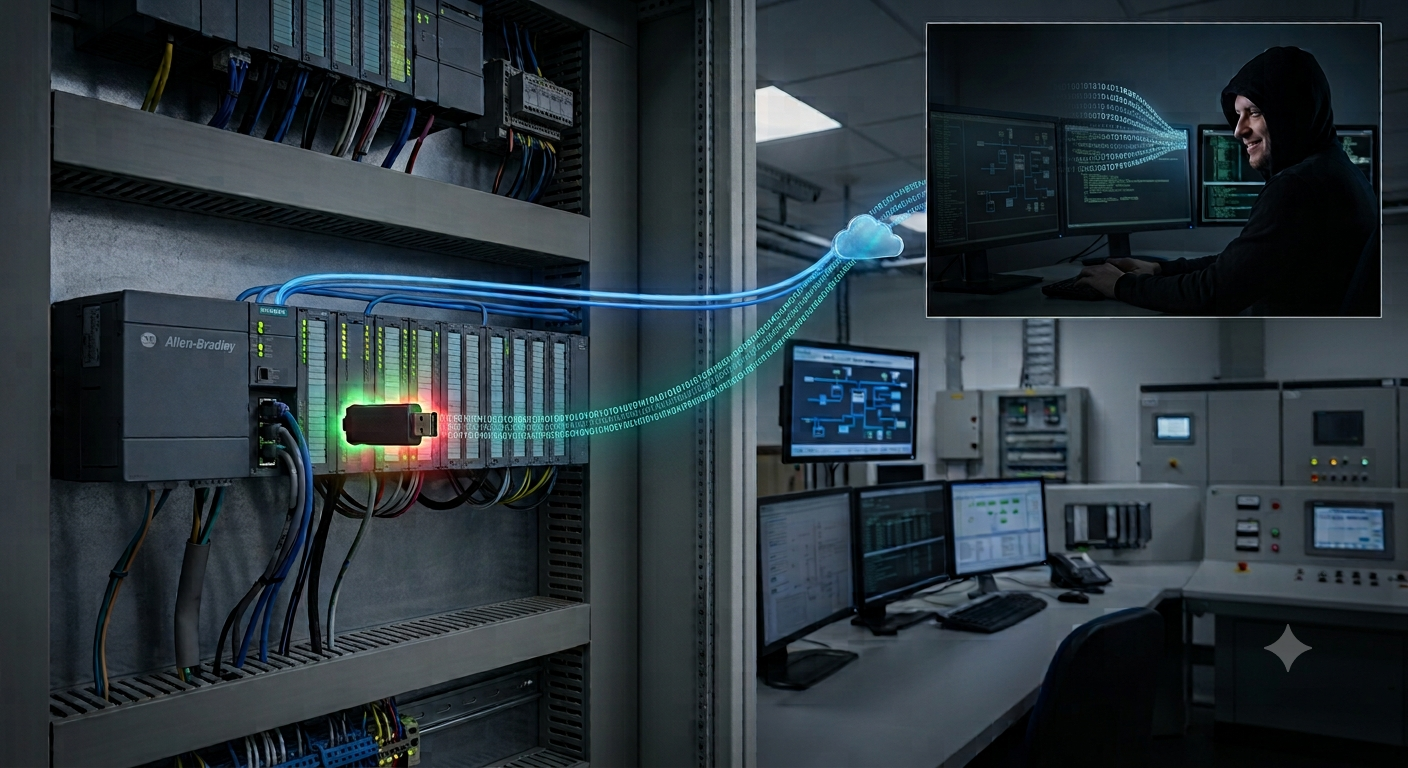
The new malicious code is based on Microsoft digital signing software. Potential risks for the system
Introduction
Recently, the Microsoft Trusted Signing Service has been abused to sign malware, allowing hackers to create malicious software with valid digital signatures, helping it evade detection by security solutions. This enables the malware to bypass security mechanisms like Windows Defender SmartScreen and some antivirus software.
A group of hackers discovered that a Code-Signing Certificate is a type of digital certificate used to electronically sign software and exploited them in the technique of Signing Malware (Sign Malware). This is an attack technique where cybercriminals use legitimate digital certificates to sign malicious software, making it appear like a safe application from a reputable company. This helps the malware bypass security measures and deceive users.
Detailed Impact
Impact on System and Security
Bypassing Protections
Operating systems (Windows, macOS) and security software often trust valid certificates.
Code-signing malware can exploit this vulnerability to run undetected.
Deep System Infection
- Once installed, malware can hide within the system, executing malicious code without suspicion.
Spread through Fake Updates
Hackers can infiltrate a software company and sign malware with the company's certificate.
Users download updates from official sources without knowing they are infected with malware.
Impact on Finances
Theft of Digital Assets
- Malware can steal bank accounts, cryptocurrency wallets, or payment information.
Economic Loss for Businesses
Businesses may be attacked by ransomware, forcing them to pay a ransom to recover their data.
If hackers take over the system, they can delete or leak important data, causing significant damage.
Detailed Campaign
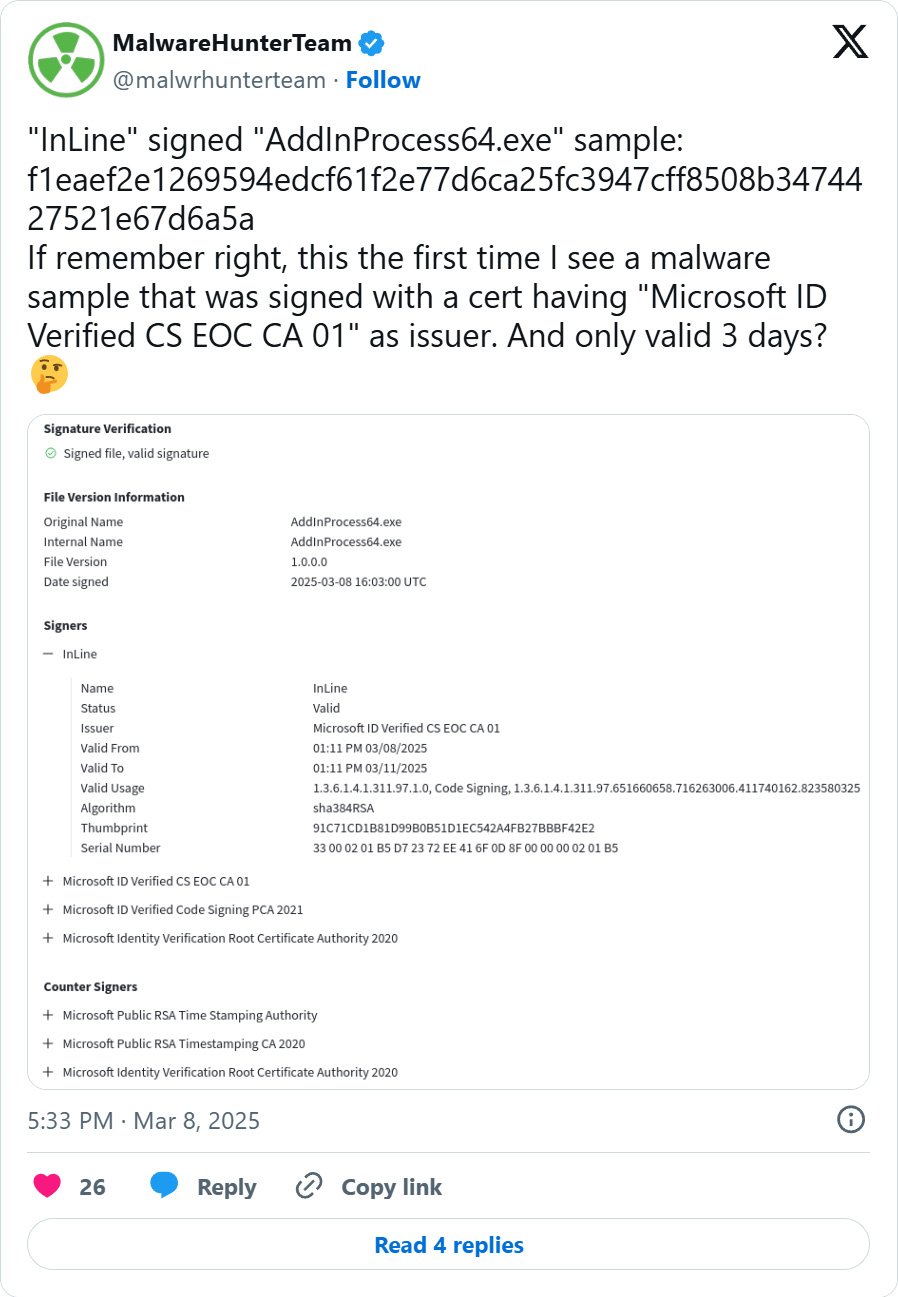
According to analysts, the malware was signed by "Microsoft ID Verified CS EOC CA 01"—a digital certificate used in Microsoft's public key infrastructure (PKI) that was valid for three days. Although the certificate expired three days after issuance, the signed executables will still be considered valid until the issuer revokes the certificate.
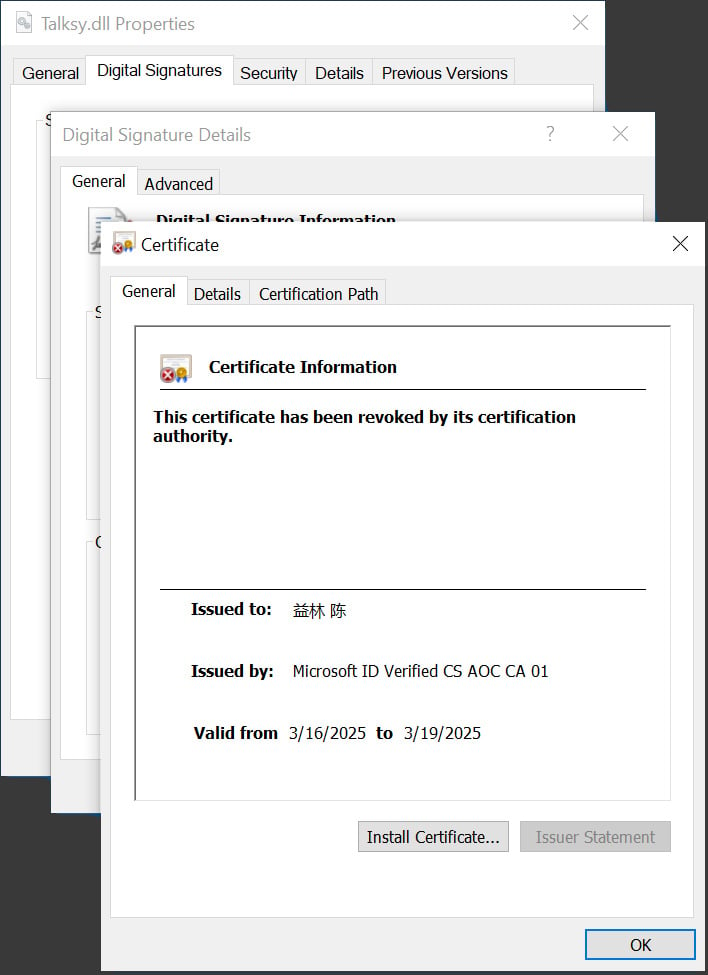
In this campaign, several malware programs have been recorded, including two related to crypto-theft and Lumma Stealer. These programs have been rated as malicious and are exploited by hackers as a stepping stone for the attack.


After signing the malware with a valid certificate, the attackers will try to spread the malicious software mainly through three main methods:
Through phishing emails, attaching executable files or download links.
Via fake websites (disguised as legitimate software).
Inserted into software updates (if hackers infiltrate a software development company).
Once the malware is able to infect, it can easily bypass the system's security mechanisms because:
Most operating systems and security software trust valid certificates, allowing malware to easily pass checks.
If the signature is valid, Windows or macOS will not display security warnings when running the file.
Finally, after the malware is installed, it can:
Steal data: Collect login information, financial details, or sensitive data.
Create a backdoor: Open a backdoor for hackers to access the system.
Spread ransomware: Encrypt data and demand a ransom.
Take control of the system: Turn the computer into a botnet for DDoS attacks or cryptocurrency mining.
Recommendations
Carefully check digital signatures:
Don't just trust a valid signature; check the issuing organization's name (appears when you right-click the file → Properties → Digital Signatures).
If the certificate is expired or doesn't match the official developer, do not install it.
Use strong security software:
- Some advanced antivirus software can detect code-signing malware by analyzing behavior.
Limit installing software from untrusted sources:
- Only download software from official websites or vetted app stores.
Check software updates before installing:
- If you have any doubts, check security forums to see if there are reports of fake software.
Businesses should protect digital certificates:
Use a Hardware Security Module (HSM) to store digital certificates instead of keeping them on easily stolen hard drives.
Implement a strict code-signing policy, allowing only certain people to sign software.
Conclusion
Code-signing malware is very dangerous because it exploits trust in digital certificates to spread malicious code. Therefore, both individuals and businesses need to be cautious when installing software, check digital signatures, and strictly protect digital certificates.
Users should not completely trust signed files and should verify the software source before installing. Microsoft is improving the system, but organizations still need to proactively protect themselves with advanced security solutions.
IOC
Md5 hash
30414f6190c23fe2b8cfe99e268779a1
d3ae01744f2459e0ad51938fecf597e0